Studying abroad or working in a foreign companyEmail It is the most basic yet most troublesome form of communication.
Before clicking the "send" button, we always go through a long internal struggle:
- “Was that a bit too harsh?”
- “"Will the professor think I'm being impolite?"”
- “"Is this grammatically incorrect? Does it make me look unprofessional?"”
This pressure is amplified, especially when dealing with professors who hold our GPA in their hands or important business partners. We fear that a poorly worded email could ruin a good impression or even jeopardize an opportunity.
The three most socially awkward moments in English emails
- Difficulty in finding the right tone (Tone Deaf) The Chinese phrase "请发给我一下" (Please send me) might sound like a command to a foreigner. It's difficult for us to grasp the subtle boundaries between Polite, Professional, and Friendly.
- Inaccurate Expression: The intention was to express a "tactful refusal" or a "firm argument," but due to a lack of vocabulary, the resulting sentences were inadequate and could even lead to misunderstandings.
- Unprofessional format: Forgetting to write the subject line, using the wrong salutation (calling Dr. Mr. instead of Dr.), or not signing off correctly—these details all expose your lack of professionalism.
DiffMind The "satisfaction point": Your 24/7 email etiquette coach
Why do we say DiffMind Is it a magic tool for writing emails? Because it doesn't just help you write, it helps you "calibrate".
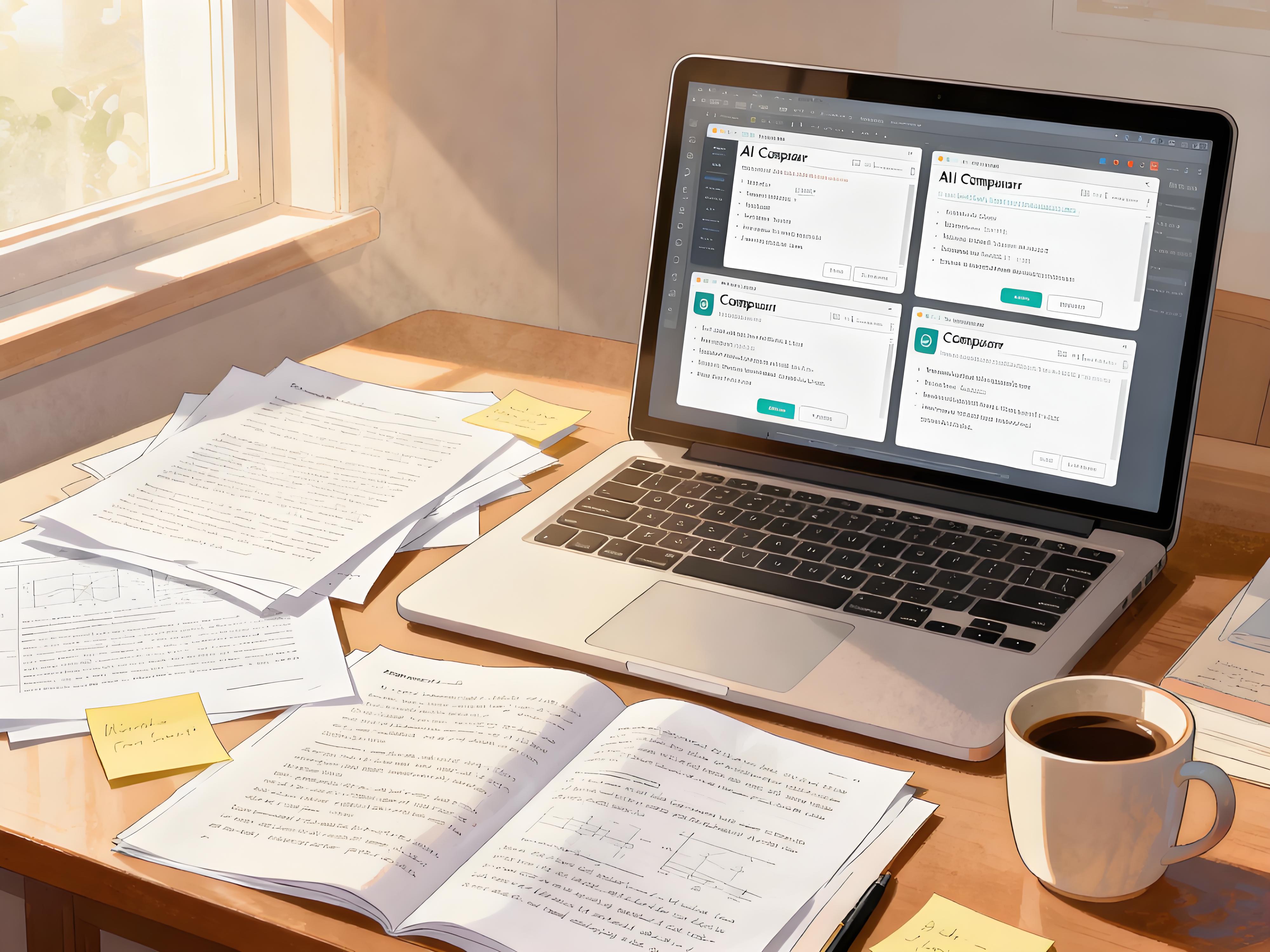
As a “"Multi-model AI Comparison Workbench"”DiffMind allows you “"One question, multiple AIs answer together"” You can have at the same time GPT-5, Claude 4.5, Gemini 2.5 Pro Draft emails for you and compare their advantages and disadvantages side-by-side. 。
- Automatically generate professional emails: You only need to input your fragmented Chinese requirements, and DiffMind can call upon the world's top large models to instantly generate a standard-formatted, logically clear first draft of an English email.
- Tone Check: As user feedback has mentioned, different models have different "personas"—GPT might be more serious, while Claude might be more artistic/political. By comparing them, you can clearly see which tone is more suitable for the current context.
- Optimize your expression and avoid "Chinglish": Say goodbye to stiff, unnatural translations. DiffMind offers a variety of authentic expressions, helping you progress from simply "understandable" to "appropriate and elegant."
Practical Tips: 3 Steps to Generate "Zero-Error" Emails
Step 1: Input your needs to summon the "AI Writing Team"“
Don't try to string together sentences yourself. Tell DiffMind your core purpose.
Prompt example:
“"I need to write an email to the professor to request an extension of the assignment deadline." reason: I'm sick, and I have a doctor's certificate. Require: Please have all the AIs (in DiffMind) generate emails for me; I need three versions:
- Extremely polite version(Suitable for unfamiliar, strict professors)
- Direct Professional Version(Suitable for professors who value efficiency)
- Sincere and touching version(Emphasizing my efforts and the force majeure)”
Step 2: Compare side-by-side and select the "most appropriate" tone.
DiffMind will immediately generate 3 distinct versions.
- GPT-5 It might be written as: "Dear Professor Smith, I am writing to formally request an extension…" (Standard, restrained).
- Claude 4.5 You might write: "Dear Professor Smith, I hope this email finds you well. I am writing to you with a heavy heart to ask for a huge favor..." (euphemism, empathy).
Your actions: As user Jason Liu said, "DiffMind: You all come up and compare!"“ After reading them once, you can immediately tell which one is the "safest" to send and which one will be most likely to impress the professor.
Step 3: Make minor adjustments and polishes, then confidently send.
If you find Claude's version too long, but GPT's version too cold, you can request DiffMind:
“"Please combine the simplicity of GPT with the politeness of Claude to generate a final version."”
Finally, check the Subject Line automatically generated by DiffMind, copy and paste it, and click send. The whole process takes less than 2 minutes, but the quality of the email you send may be higher than if you spent an hour writing it yourself.
Summary: Communication was clear, confident, and without awkwardness.
The essence of email communication is the transmission of information and the maintenance of relationships.
With DiffMind, you no longer need to worry about "how to say it," but can focus on "what to say." It helps bridge the language and cultural gap, making every communication clear, confident, and appropriate.
Starting today, use DiffMind to write emails and make sending emails an easy task.