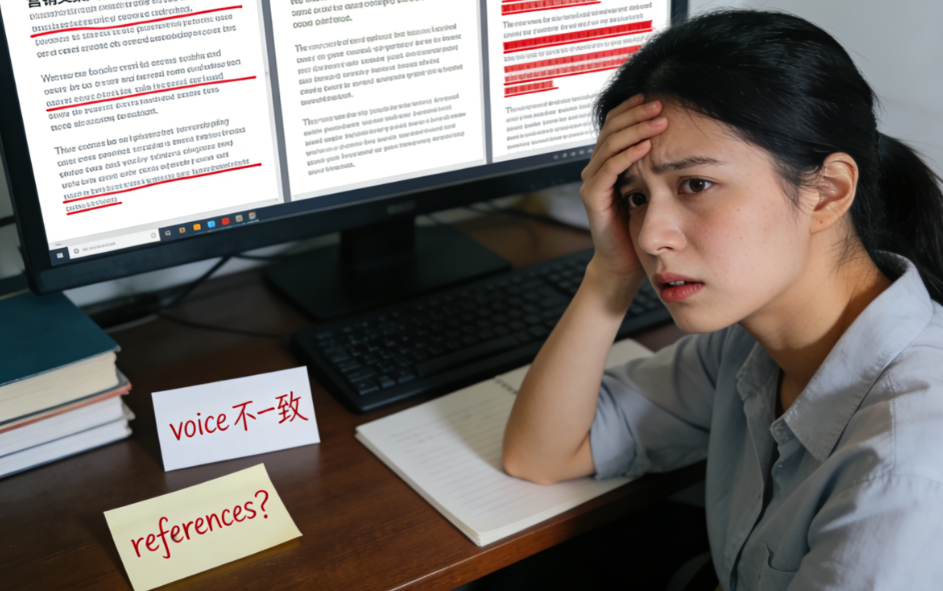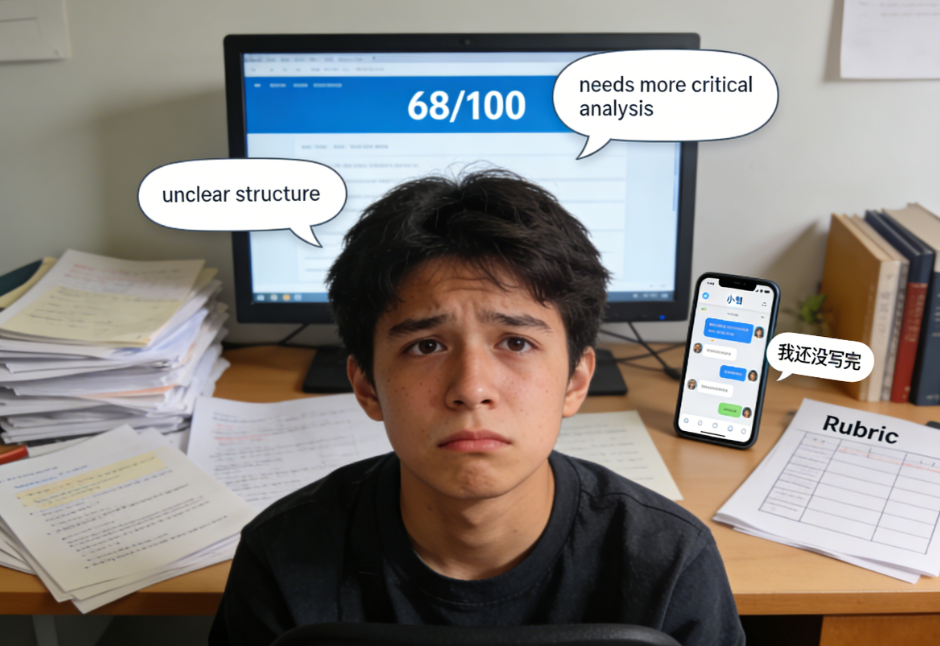
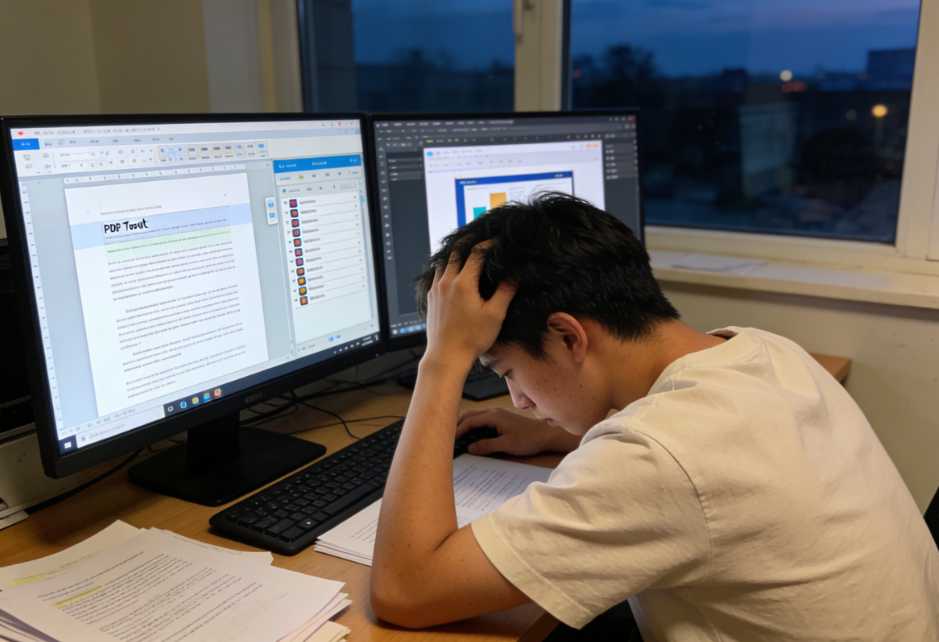
The most magical thing about international students' academic life is:
- You already know how to use a certain "well-known" tool, but you still stay up all night every day;
- Because the real time-consuming part isn't writing the main text, but rather these small, miscellaneous tasks:
- Make sure the formatting requirements given by the teacher are completely consistent (headings, line spacing, citation style).
- Process dozens of PDFs at once (merge, crop edges, OCR, add bookmarks, annotate and export).
- I've written a lot of notes, but I can't find them when it's crucial.
- The paragraph logic needs to be rearranged; copying and pasting until my hands cramp up.
- The presentation was only prepared on the last day, and the script and slides didn't match at all.
These steps are almost never systematically taught, but they will silently consume your 50% time. The so-called... study hacksOften, it's not about working harder, but about using a convenient toolchain to transform small tasks from "manual labor" into "batch processing."
1) The 5 most easily overlooked but most time-consuming pitfalls in academic workflows
The following are typical examples of places that "look easy, but are incredibly time-consuming," and are also the areas many people are searching for. Productivity Tools University The real pain points we want to solve.
Black Hole A: Formatting (You think it will take 10 minutes, but it actually takes 2 hours)
- Inconsistent heading hierarchy
- Quotation style mixed up everywhere
- Chart numbering, table of contents, and page numbers are disordered.
- I only realized the different template requirements from the different schools when I submitted it.
Key issues: Formatting is a "low-value, highly repetitive" task that must be handled by templates and automation.
Black Hole B: Batch processing PDFs (crashes when there are many reading lists)
- Batch rename: Author_Year_Title
- OCR: Scanned version cannot be retrieved.
- Exporting annotations: I want to turn highlights into notes.
- Merge/Split: Submit materials or organize information
Key issues: You're not reading a paper; you're "managing PDFs."
Black Hole C: Notes Retrieval (Unable to find things you've written while writing)
- You've written a lot of notes, but there's no consistent format or tags.
- When searching, I only remember "someone mentioned this", but I can't find the relevant information.
Key issues: Notes are not for recording feelings, but for "future retrieval and reuse".
Black Hole D: Paragraph rearrangement and structural rewriting (most prone to endless rewriting)
- The sentences flow smoothly, but the overall order of argumentation is incorrect.
- The lack of transitions between paragraphs means that the only solution is to patch things up at the rhetorical level.
Key issues: Adjusting the structure by manually cutting and pasting would be infinitely time-consuming.
Black Hole E: Oral presentation preparation (the slides are beautiful, but I can't deliver them)
- Too much content, too much time
- The presentation script lacked logical flow, and the Q&A session fell apart as soon as a question was asked.
Key issues: Presentation is about "narrative + rhythm + emphasis", not a layout competition.
2) Recommendations for niche but extremely useful academic tools (selected by "what type of black hole it solves")
This list doesn't rank "most popular" tools; instead, it provides a more practical set of tools based on various scenarios. You may not need them all, but you definitely need "at least one tool for each black hole" (i.e., tools for specific scenarios).
① Format and document consistency: Template + automated checks
Suitable for solving: formatting issues in essays/reports, including poor structure and inconsistent citation formatting.
- Document style templates (one-click unification of Heading/Body/Quote blocks)
- Consistency checks (case sensitivity, hyphens, British and American spelling, terminology consistency)
- Automatic table of contents and chart list generation
Objective: To transform the "formatting" process from manually changing words to applying rules.
② Batch PDF processing: OCR + annotation export + standardized naming
Suitable for solving: reading lists, document archiving, and searchability.
- OCR enables searchable scanned PDFs.
- Export annotations/highlights as text or notes
- Batch renaming and automatic archiving (by author/year/course)
Goal: To make what you've read "recyclable," rather than just something that exists only in highlights.
③ Note retrieval: Structured fields + global search
Suitable for solving: not remembering where you read something while writing, and not being able to create a comparison matrix.
- A note-taking system that supports tags, bidirectional links, and database views.
- Each paper has fixed fields (research question/method/conclusion/limitations/available citations).
Goal: When writing, instead of flipping through folders, you can easily find "writeable material" with a simple search.
④ Paragraph rearrangement and writing structure: Card-based outline + drag-and-drop reorganization
Suitable for solving: essay argumentation order, report chapter organization
- Use cards/blocks to manage paragraphs (each block contains one topic sentence + evidence placeholders)
- Drag and drop rearrange is an order of magnitude faster than copy and paste.
Objective: First, correct the structure, then polish the sentences.
⑤ Presentation: Script generation + timed rehearsal + Q&A preparation
Suitable for solving: speaking difficulties, exceeding time limits, and disjointed defense.
- One slide (each slide corresponds to one key message)
- Automatically generate a Q&A risk list (what might be asked).
- Timed rehearsals and speaking pace prompts
Goal: To make presentations a "controlled performance," not improvisation. Reminder: Many tools exist, but your toolchain should be built around "deliverables," not "the number of software programs."
3) Personalized backup plan: We will provide you with a "tool combination solution" based on the type of assignment.“
Here are four of the most common tasks:essay/report/presentation/readingEach set is designed according to the "input → processing → output" principle to ensure that the final version can be delivered.
A. Essay (Argumentative Writing) Tool Set
enter: Topic requirements + Class materials/literature + Your existing notes
Portfolio suggestion:
- Outlining tool: Card-based paragraph structure (first build thesis—arguments—evidence)
- Note-taking tool: Structured fields (for quickly extracting evidence)
- Consistency/Rewriting Tools: Unifying terminology, tone, and British/American spelling
- Reference management: Automatically insert in-text and reference list
Output: An essay with a stable structure, correct formatting, and traceable citations.
B. Report (Research/Experiment/Data Reporting) Tool Suite
enter: Data/Experimental Records + Charts + Methodological Details
Portfolio suggestion:
- Table/Chart Tools: Automated Generation of Charts and Numbering
- Document Template: Fixed Sections (Method/Results/Discussion)
- Glossary: Indicator names, variable names, and abbreviations are standardized globally.
- PDF/Attachment Processing: Result Packaging, Merging, and Naming Conventions
Output: A reproducible report with clearly defined sections and correctly referenced charts.
C. Presentation (Reporting/Defense) Tool Combination
enter: Core conclusions of your essay/report
Portfolio suggestion:
- Slide structure template: one conclusion per page, avoid piling up text.
- Presentation tools: Each slide corresponds to a sentence stating "What I want you to remember."“
- Rehearsal tools: timing + Q&A question list
Output: A presentation that flows smoothly, doesn't exceed the time limit, and is responsive to questions.
D. Reading (Reading and Document Management) Tools
enter: reading list + PDF
Portfolio suggestion:
- PDF Batch Processing: OCR, Renaming, Annotation Export
- Notes database: fixed fields and uniform tags for each post.
- Comparison Matrix: Clustering by topic, pulling multiple documents into a table.
Output: The core of the four-pronged approach of a searchable, comparable, and directly compileable literature database is that each step produces a "structured output that can be used in the next step," rather than just a feeling of "having seen/modified."
4)DiffMind How to transform "tool results" into "deliverable tasks"?“
Tools can improve efficiency, but they can also have side effects: scattered output, inconsistent style, and incoherent structure. DiffMind's value lies in three things.
① Quickly integrate your scattered data and tool outputs to make your results deliverable.
You may have:
- PDF highlighted export of fragmented notes
- Paragraph cards in the outline tool
- Citation Manager's Library
- The teacher's rubric (grading criteria)
DiffMind can integrate these inputs into a "writable skeleton": - Extracting high-frequency topics and available evidence
- Organize the notes according to chapter requirements
- Output a draft that more closely resembles the structure of the deliverable (essay/report/presentation are all acceptable).
② Fill logical gaps: Bridging the gap between "tool results" and "ratingable content"
Many tools can only help you "create something," but they don't guarantee you'll "get a score." Common breakpoints:
- There are materials, but no chain of evidence.
- There are charts but no explanations or meanings.
- There are summaries, but they lack counterexamples/limitations/research gaps.
DiffMind is more like a "structure coach": it points out where definitions are missing, transitions are lacking, and evidence is insufficient, and provides suggestions for completion to align your content with rubrics.
③ Maintain a consistent style of expression: Use consistent terminology, tone, and structure to make assignments appear more professional.
A common characteristic of high-scoring assignments is "overall consistency":
- The terminology should be consistent throughout (variable names, concepts, and abbreviations should not be inconsistent).
- Maintain a consistent tone (avoid excessive absolutes, and use more academic language in quotations).
- Consistent structure (stable paragraph rhythm and natural transitions)
DiffMind can unify content pieced together from different tools into something that "looks like it was written by the same person," which is helpful for... essay help international students This perfectly matches your needs: you need a complete, submitable draft, not a bunch of optimized parts.
5) Self-rescue checklist: Regular weekly maintenance (the earlier you do it, the more life-saving it will be).
Many efficiency gaps are not resolved by working overtime on a single day, but rather by the accumulation of weekly maintenance.
- Template LibraryOne set of commonly used school/course templates for each of the following: essay, report, and presentation (including heading levels, headers and footers, and chart numbering rules).
- GlossaryKeywords for this semester's courses, commonly used definitions, and your frequently used synonyms (with your preferred usage indicated).
- Reference libraryComplete the metadata for the reference entries (author, year, title, journal, volume, issue, page, DOI).
- PDF archiving rulesUse a consistent naming format (Author_Year_Short Title) and a fixed folder structure.
- Note field templateEach document/lecture note has fixed fields to ensure searchability.
- Common prompts/processesWrite down your effective keywords as "recipes" (e.g., generate outline, perform logic audit, standardize voice, generate Q&A).
- Cleaning once a week: Delete duplicate files, add tags, and archive scattered data to the correct location.
After maintaining this system for 4 weeks, you'll clearly feel that "writing doesn't start from scratch, but from a reusable system."