On university campuses (especially overseas universities).Presentation (individual or group presentation) It's an unavoidable "required course".
Whether it's a final project presentation or a weekly seminar, that moment standing on the stage facing the whole class and professor always makes our palms sweat. We often spend several days making a PowerPoint presentation, only to end up "reading" it on stage; or we prepare for a long time, only to find that the students in the audience are playing on their phones, leaving the professor looking puzzled.
“Preparation is time-consuming and the results are unpredictable.”This is the biggest pain point of presentations.
Three fatal flaws in classroom presentations“
- The logic is unclear, and the audience is "lost". This is also the most common problem. The PPT is flashy, but the presentation fails to get to the point. The introduction and conclusion don't connect, and the arguments in between are a jumbled mess.
- His language skills were poor, and he became a "text-reading machine": Many students simply copy sentences from their papers onto their PowerPoint presentations and then read them aloud on stage. This kind of "formal language" sounds dry and boring, and if they get stuck, the whole situation becomes extremely awkward.
- Lacking highlights, but with a perfect hypnotic effect: The entire presentation was straightforward, lacking any hooks to grab attention, interactive elements, or memorable quotes.
DiffMind The "satisfaction point": Your top-notch speech coach
DiffMind It can not only help you write code or papers, it is also an excellent... “Presentation Planning Workbench”。
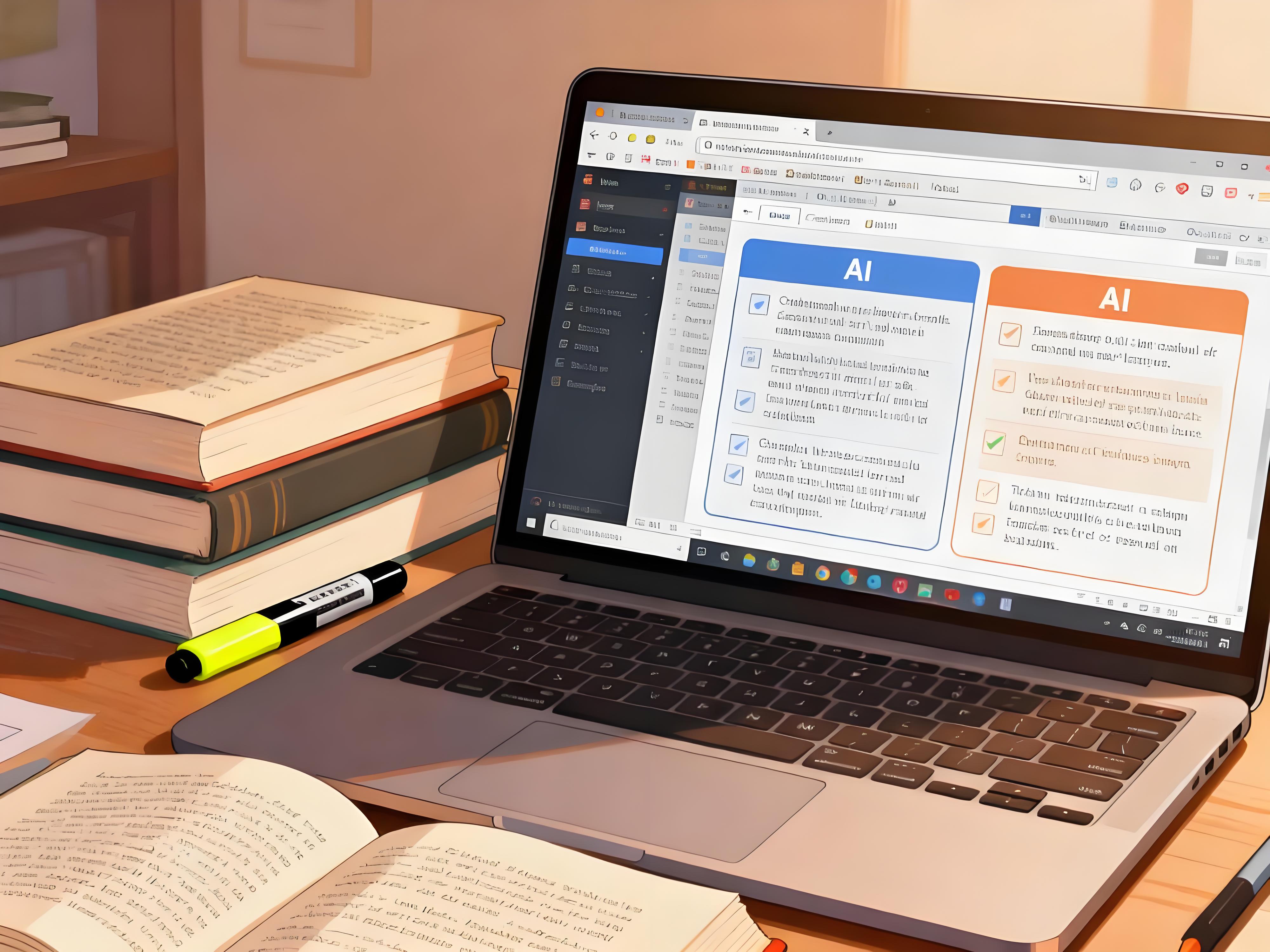
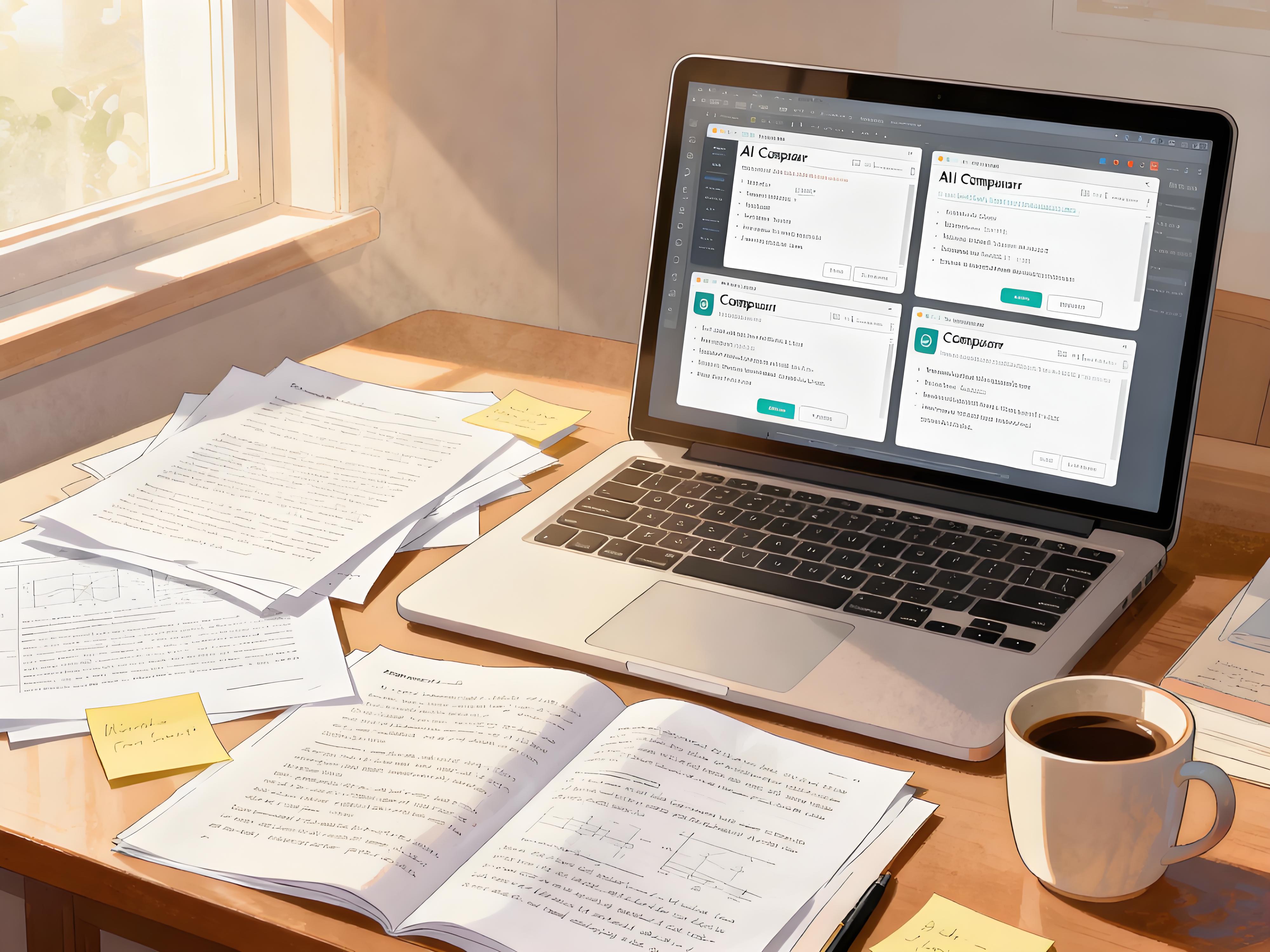
By "asking one question, and having multiple AIs answer it together",“ DiffMind allows you to gather... GPT-5, Claude 4.5, Gemini 2.5 Pro The wisdom of [the platform], from logic and language to visual design, comprehensively equips your presentation.
- Automatically generate outlines: Not sure what to put on each slide of your PowerPoint presentation? DiffMind can instantly generate a logically structured PowerPoint outline based on your theme. GPT-5 excels at standard structures, while Claude 4.5 excels at storyline design.
- Spoken Language Optimization: This is the most satisfying feature. It can transform your stiff "written language" into authentic, fluent, and engaging "spoken transcripts".
- Visual Tips: It can even tell you: "Don't put text on this slide; a [specific chart] will be more persuasive."
Practical Tips: 3 Steps to Create a Perfect Presentation
Step 1: Enter the topic to generate a "PPT skeleton".“
Don't immediately open PowerPoint and look for a template. Define the logic in DiffMind first.
Prompt example:
“"Next week I need to give a 10-minute presentation on 'The Impact of Artificial Intelligence on Traditional Art.' Could all the AIs (in DiffMind) help me generate a..." PPT Outline。 Require: It contains 8-10 slides, each with a title and bullet points.”
DiffMind's feedback: You will see multiple versions of the structure.
- GPT-5 It may be given a standard "background-problem-analysis-conclusion" structure.
- Gemini 2.5 Pro You might be advised to start with an "AI-generated painting" to create suspense. You only need to: Choose the structure that most appeals to you (and also most appeals to the professor).
Step 2: Generate a conversational speech script.
Once you have an outline, don't just read it aloud. You need a script.
Prompt example:
“"Please help me generate a 1-minute presentation for the page 'Slide 3: The Rise of AI Painting Tools'." Require:
- Style should ConversationalIt should sound like you're telling a story, not reciting a memorized text.
- Incorporate interaction with the audience (such as asking questions).”
DiffMind's feedback: Compare the results generated by Claude 4.5 and GPT-5. Claude might write an interactive opening like, "Raise your hand if you've used Midjourney…". Choose the most natural version, and your speech will instantly become more "human".
Step 3: Visual Recommendations and Q&A Preparation
Is your PPT presentation too ugly? What do you do when you're stumped by a question about it?
Prompt example:
- “"Slide 5 is about data comparison. Could you suggest whether I should use a pie chart or a bar chart? How can I design it to be more impactful?"”
- “"If a professor asks me, 'Does AI infringe on an artist's copyright?', how should I answer? Please give me three short and powerful points."‘
DiffMind calls the knowledge bases of multiple models. We provide you with design inspiration and defensive Q&A preparation, so you're confident before going on stage.
Summary: Make your presentations more confident and structured.
The success of a presentation depends on preparation.
DiffMind solves the most time-consuming parts of "structuring" and "writing," freeing up your time. Rehearse。
When you step onto the stage with a well-structured, fluently written presentation that anticipates the professor's questions, your confidence will naturally shine through. It will no longer be a dull assignment report, but a captivating personal showcase.